Loading…
Big ideas.
Tools to match.
Discover DockLab plugins and digital products for your next project. All in one place.
DISCOVER LEGACIESMore possibilities for
More possibilities for
whatever you want to build.
The right tools make room for your ideas.
Explore the catalogTry something new.
Start for free.
Explore free products and find your next favorite.
Discover free productsFIND YOUR NEXT FAVORITE
Explore the collection.
18 products
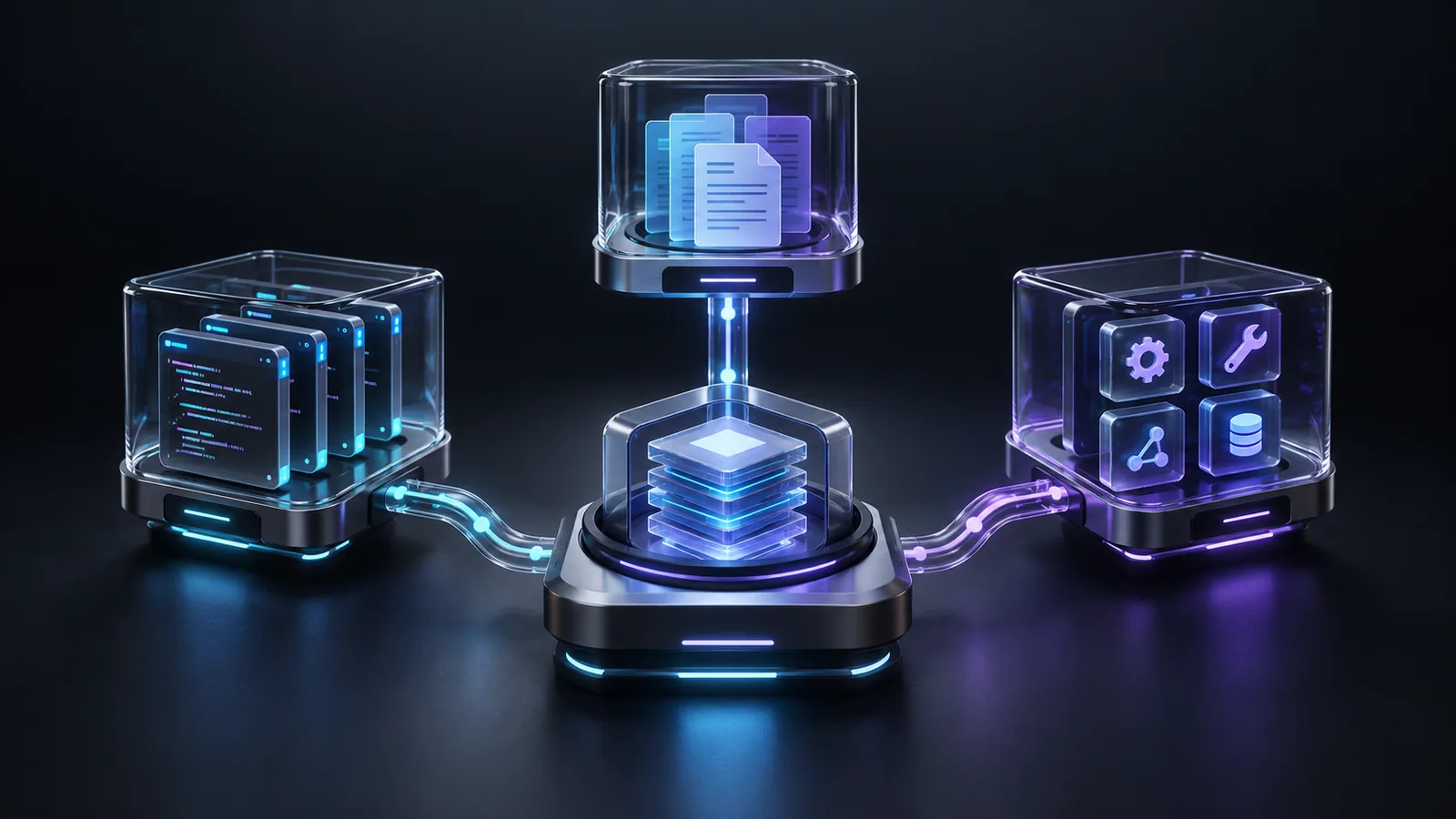
Agent Manager
Configure Claude Code, Codex and Antigravity in DockLab. Organize context files, skills and MCP connections across local and remote development hosts.
FreeView details

To-Do
Organize tasks in the DockLab sidebar. Add working steps, mark completed items and attach optional due dates while keeping your project workspace in view.
FreeView details
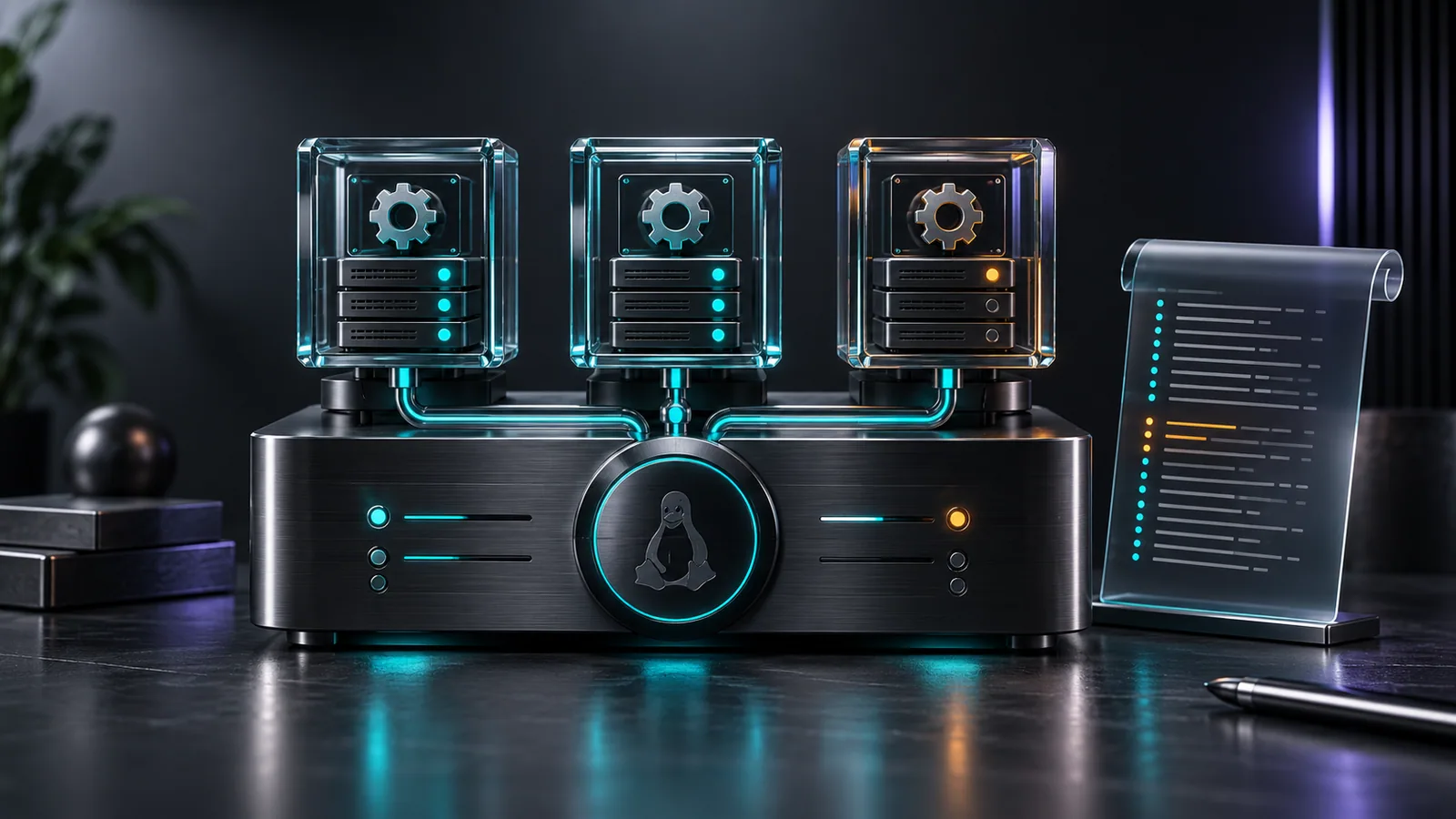
Systemd Services
Manage systemd services in DockLab. Inspect running, failed and inactive states, read journal logs and control services on your connected Linux host.
FreeView details

Stack Detector
Identify a remote project’s technologies with Stack Detector in DockLab. Copy a stack-aware prompt to prepare relevant skills for your AI coding workflow.
FreeView details

SSH Key Manager
Audit SSH keys and permissions in ~/.ssh with DockLab. Review authorized_keys, known_hosts and key types, with copyable commands for the issues you find.
FreeView details
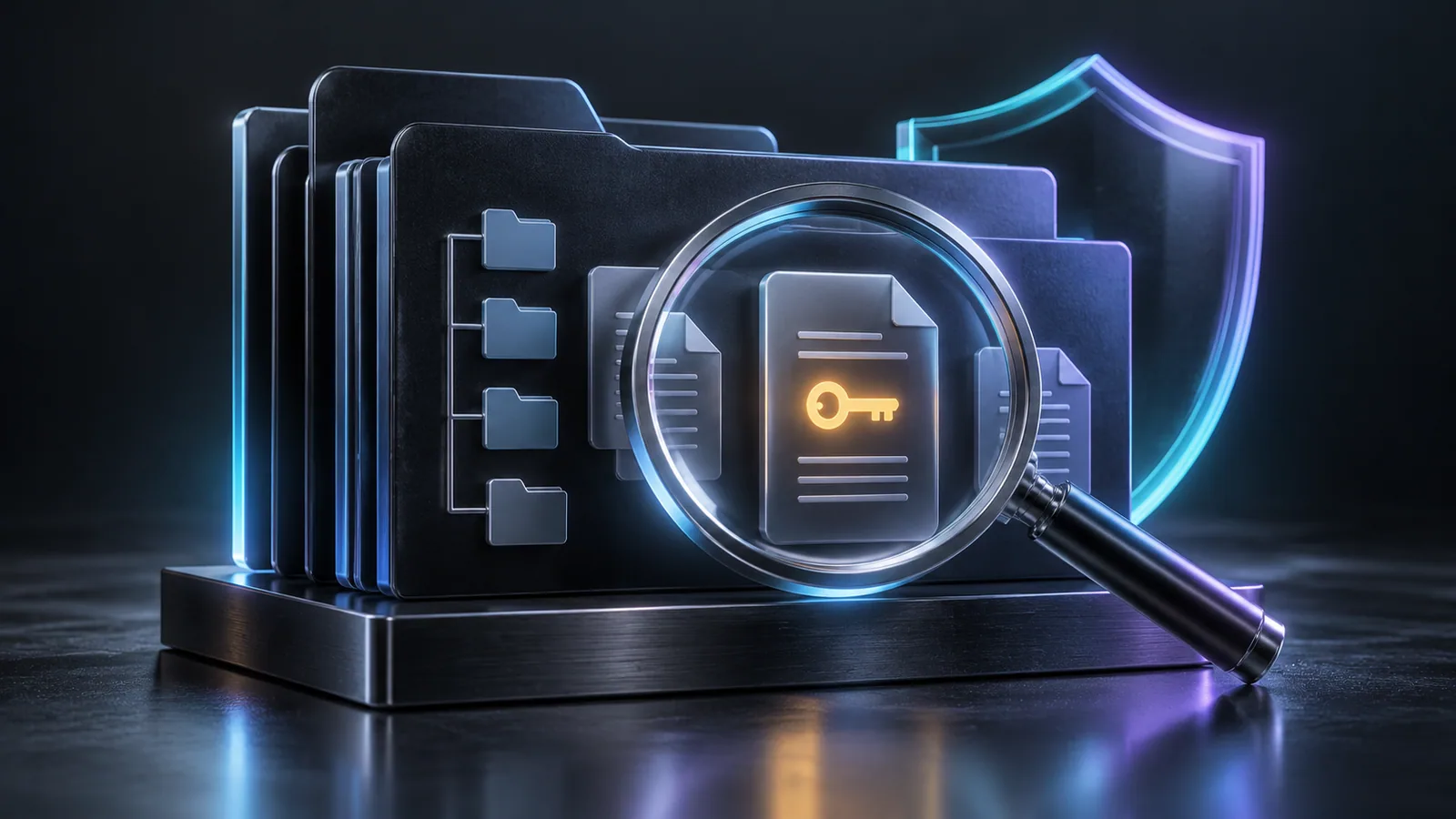
Security Scan
Check remote projects for exposed secrets and risky file permissions in DockLab. Find private keys, credentials and forgotten backups in the current directory.
FreeView details
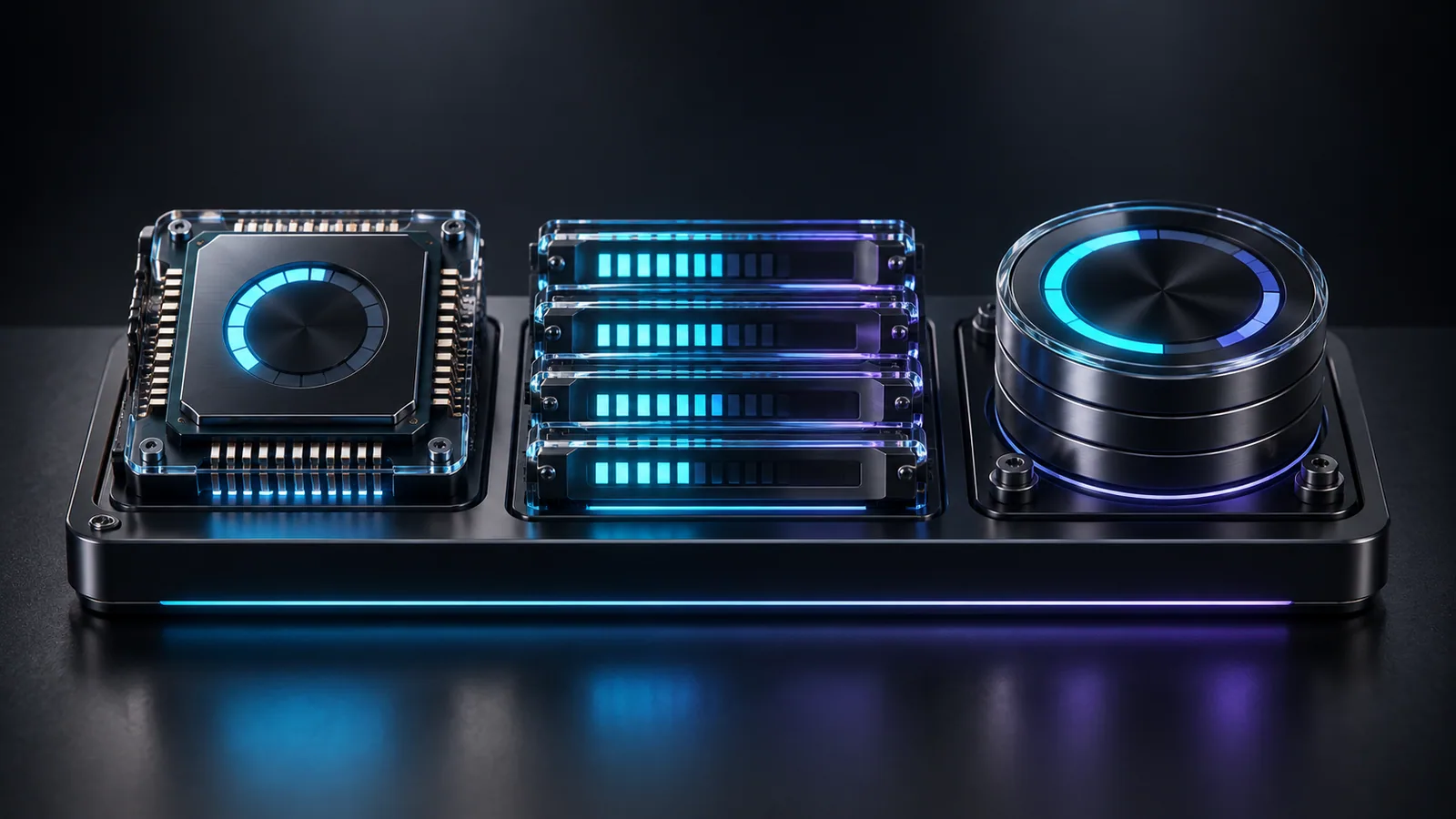
Resource Monitor
Monitor server CPU, RAM, disk and processes in DockLab. Review readings refreshed every five seconds and copy useful commands for resource diagnostics.
FreeView details
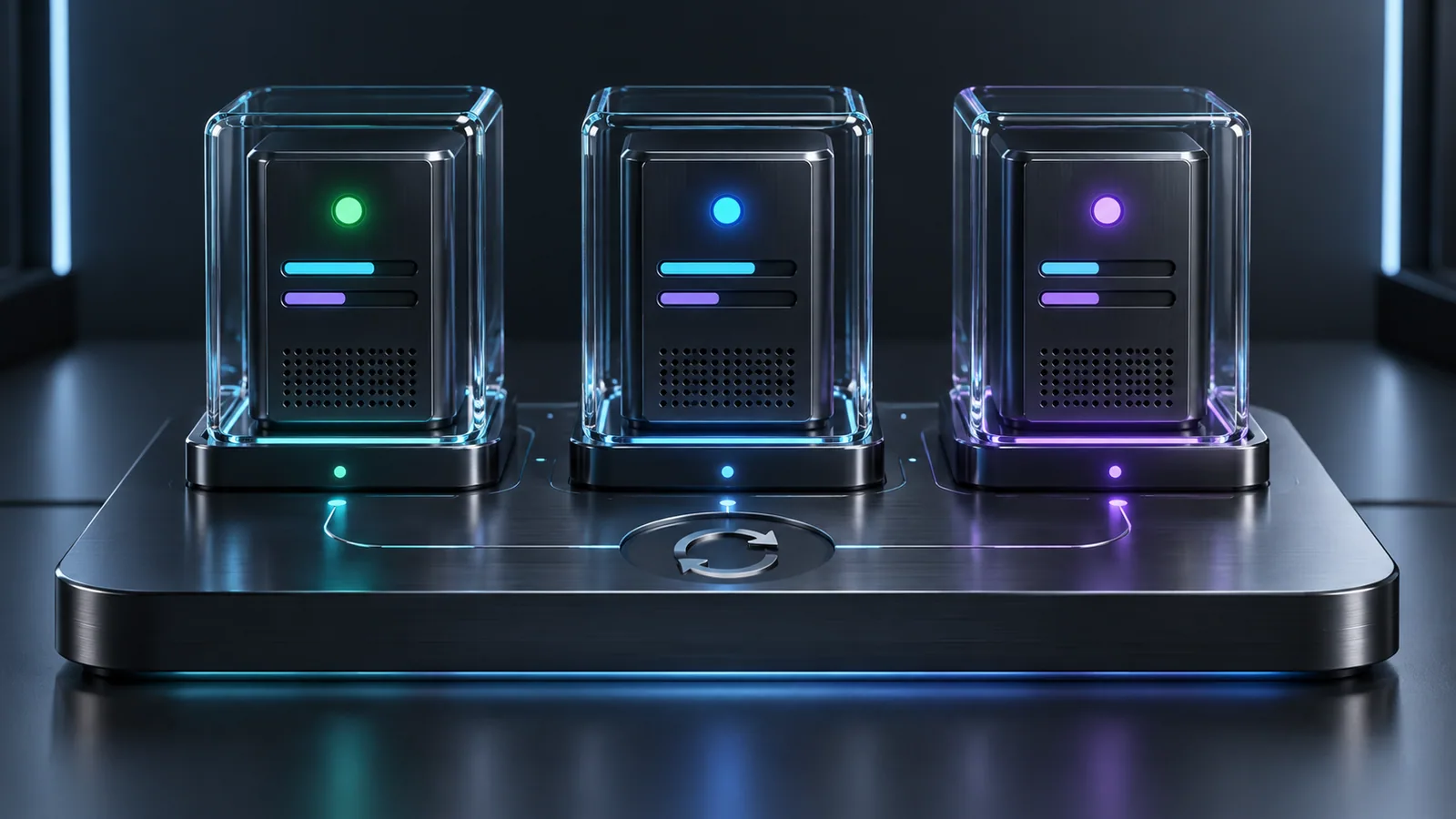
PM2 Manager
Manage PM2 processes in DockLab. Review live CPU and RAM usage, read per-process logs and run restart, stop or reload on the connected application server.
FreeView details

Notes
Keep project notes in the DockLab sidebar. Capture working steps and useful details, then return to them without leaving your server workspace or terminal.
FreeView details
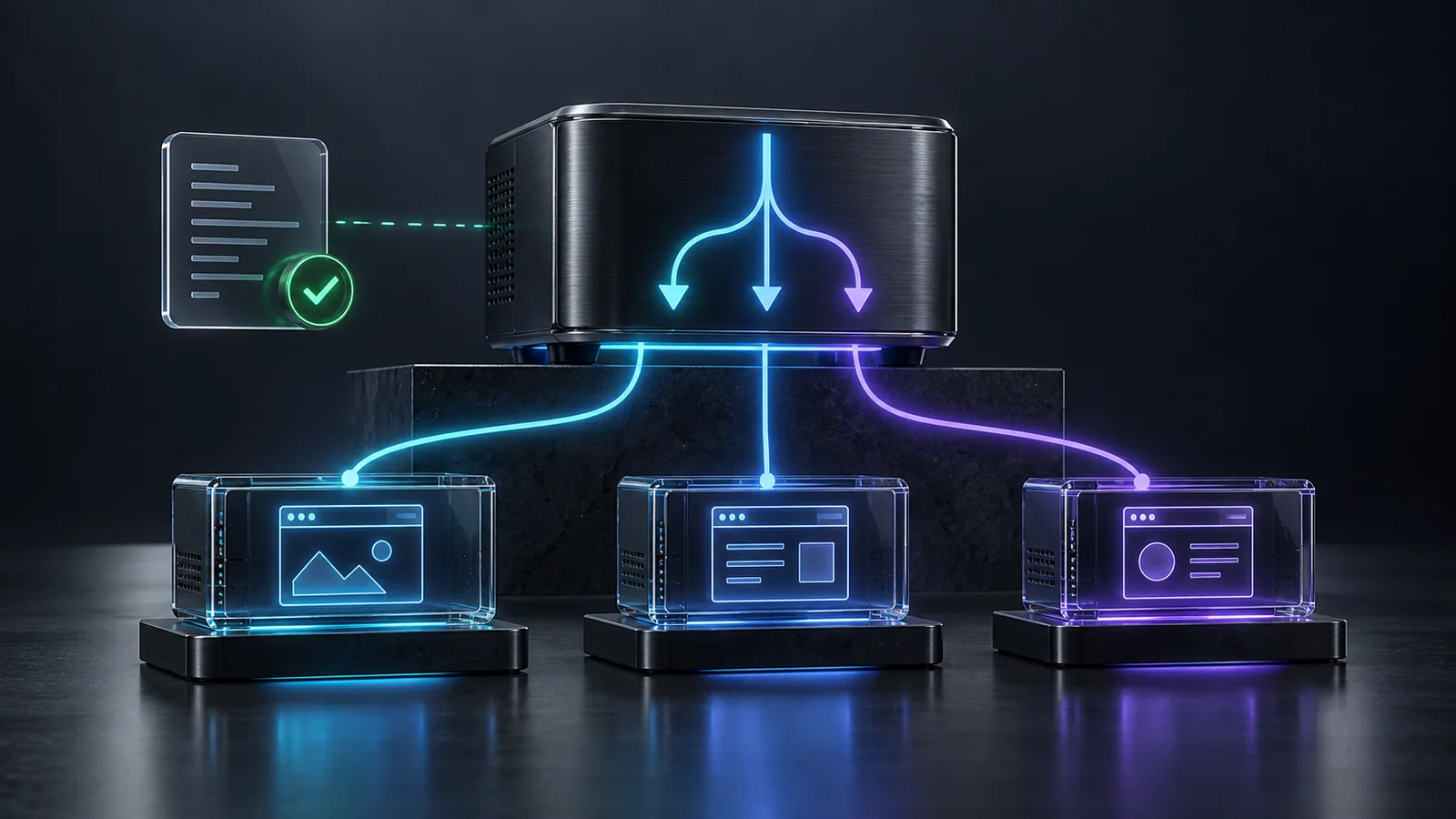
Nginx Manager
Manage Nginx in DockLab: inspect virtual hosts, proxy targets and server configuration tests. Review error logs and control the service over your SSH connection.
FreeView details
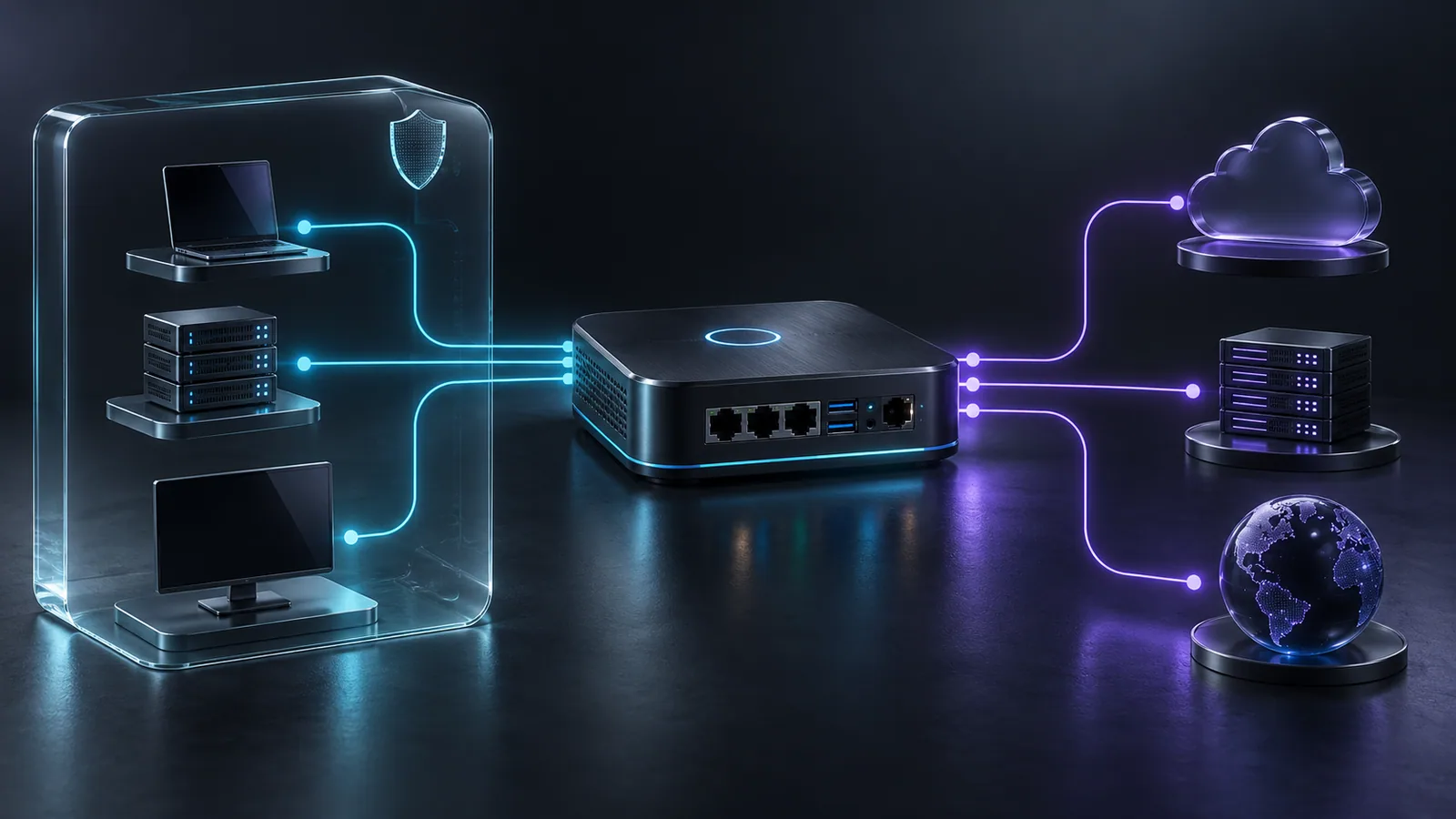
Network Monitor
Inspect listening ports, processes and network interfaces in DockLab. Review UFW or iptables rules and distinguish publicly exposed services from local ones.
FreeView details
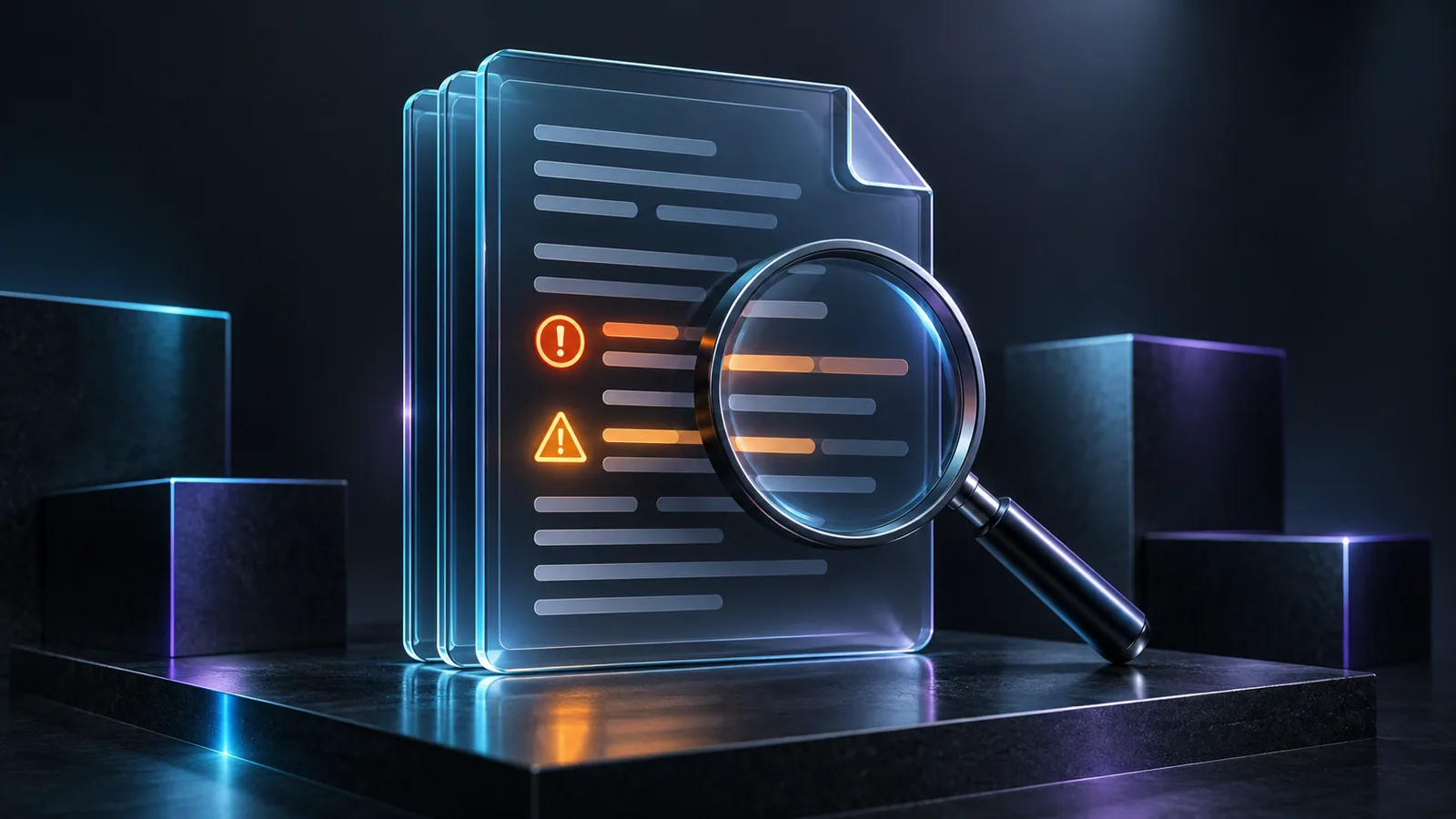
Log Viewer
Find errors and warnings in server logs with DockLab. Inspect project and system log files, review recent error lines and copy relevant diagnostic output.
FreeView details

Git Manager
Manage remote Git repositories in DockLab. Stage files, create commits, review recent history and run push or pull alongside your connected SSH terminal.
FreeView details

Env Manager
Compare .env files with .env.example in DockLab. Find missing variables, review gitignore coverage and copy configuration snippets for your server workflow.
FreeView details

DockLab Inspector
Inspect web elements in the DockLab browser. Capture HTML, styles and available component information to give coding assistants clear, focused page context.
FreeView details

Docker Assistant
Manage Docker containers, images and volumes in DockLab. Inspect live status and Compose configuration alongside the SSH session connected to your server.
FreeView details
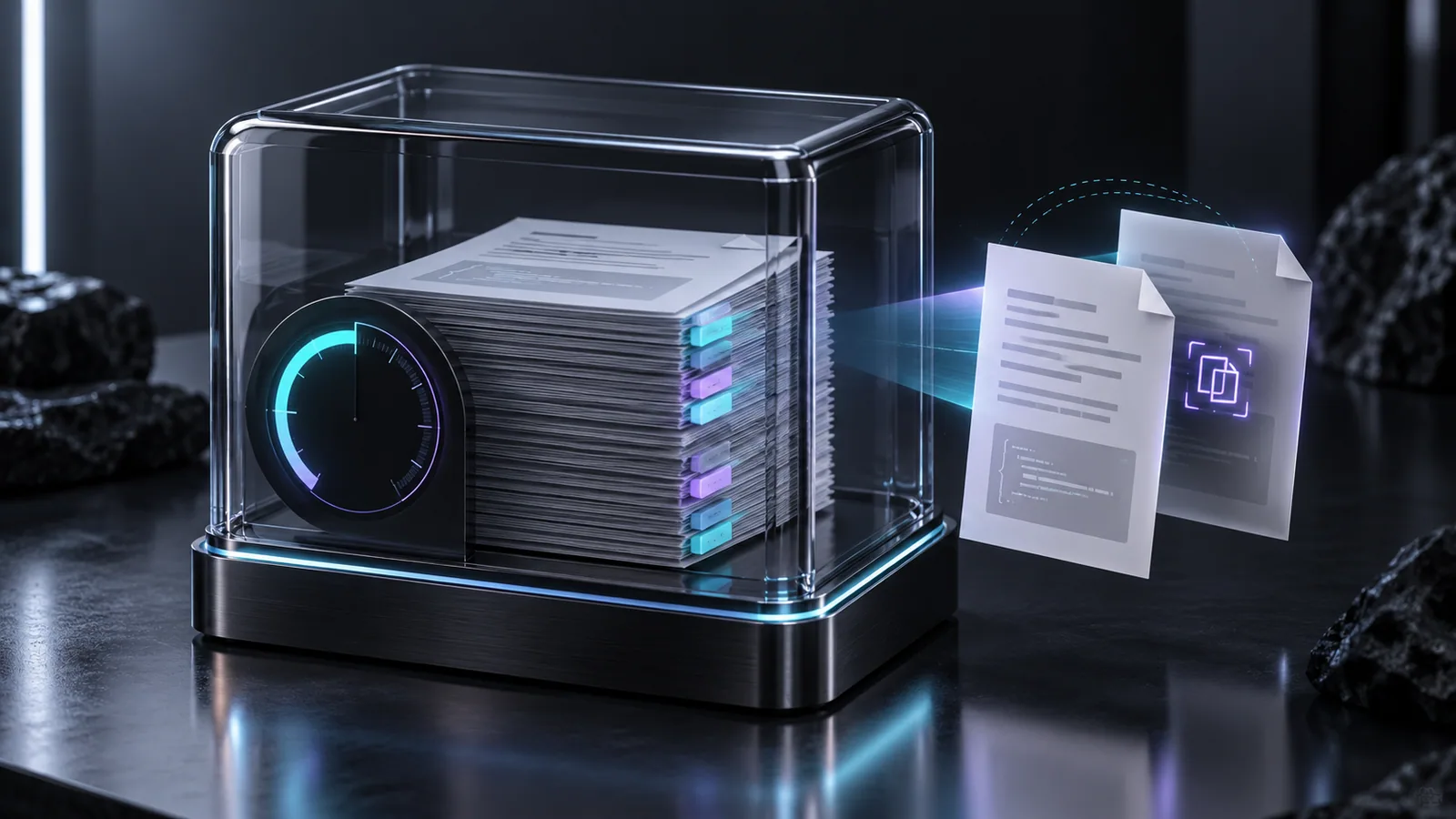
Context File Guardian
Check CLAUDE.md, AGENTS.md and other AI context files in DockLab. Find duplicate instructions, review token budgets and prepare focused compaction prompts.
FreeView details
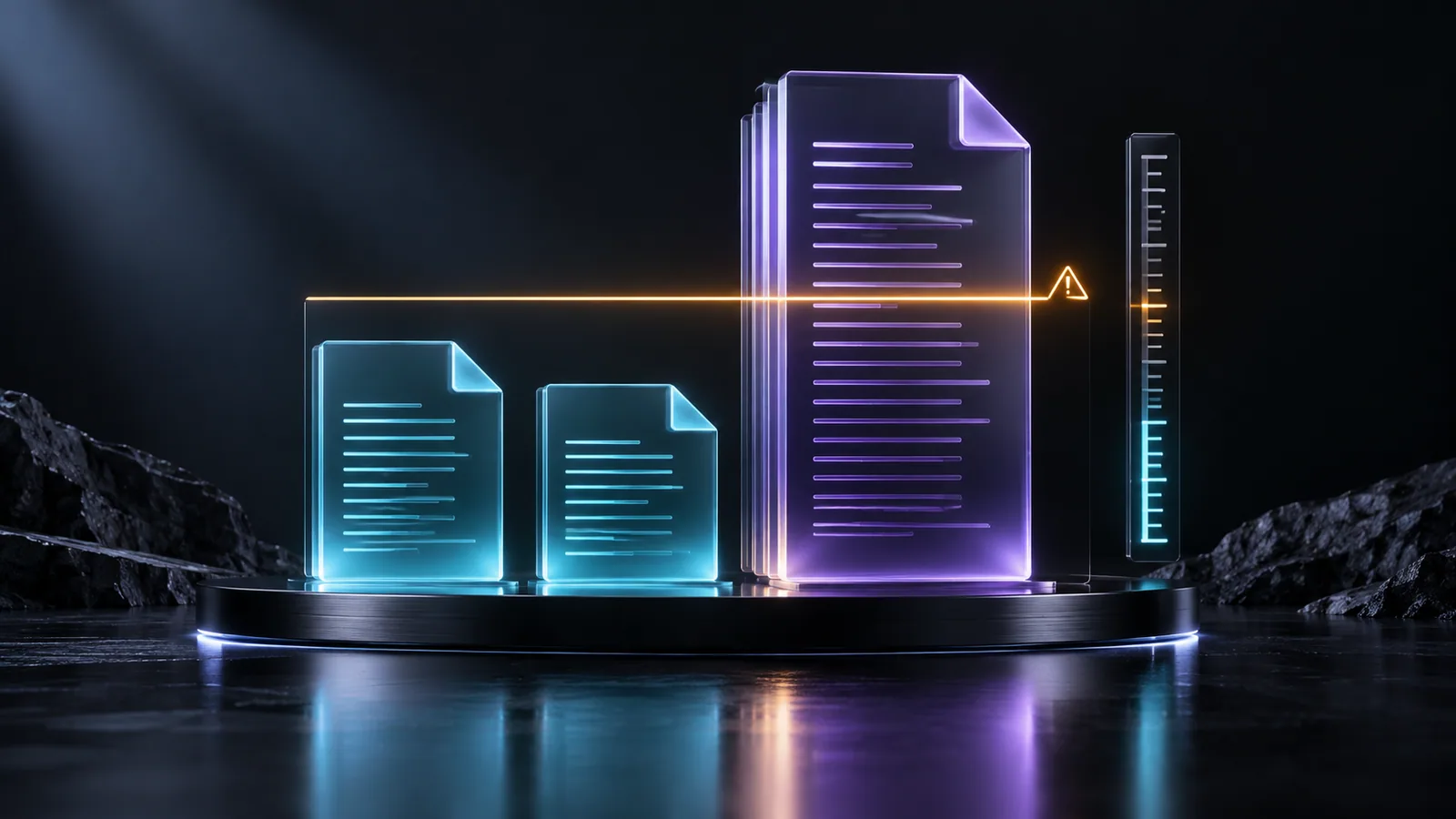
File Length Warning
Find source files exceeding 350 lines with DockLab. Scan remote project directories and identify code files worth reviewing before planning a refactor.
10.00 €View details
Your next idea starts here.
Discover the latest addition to the marketplace.